
Mixed Voices
Mixed Voices allows you to blend multiple TTS voice profiles together, creating entirely unique, custom hybrid voices. By combining different base voices and adjusting their relative influences, you can construct a distinct voice print for your stream, alerts, or commands.
1. How Mixed Voices Work
Instead of relying on a single default voice, the JakeyTTS engine can combine voice prints dynamically. It performs a real-time mathematical blend of the voice neural matrices based on the weight values you define.
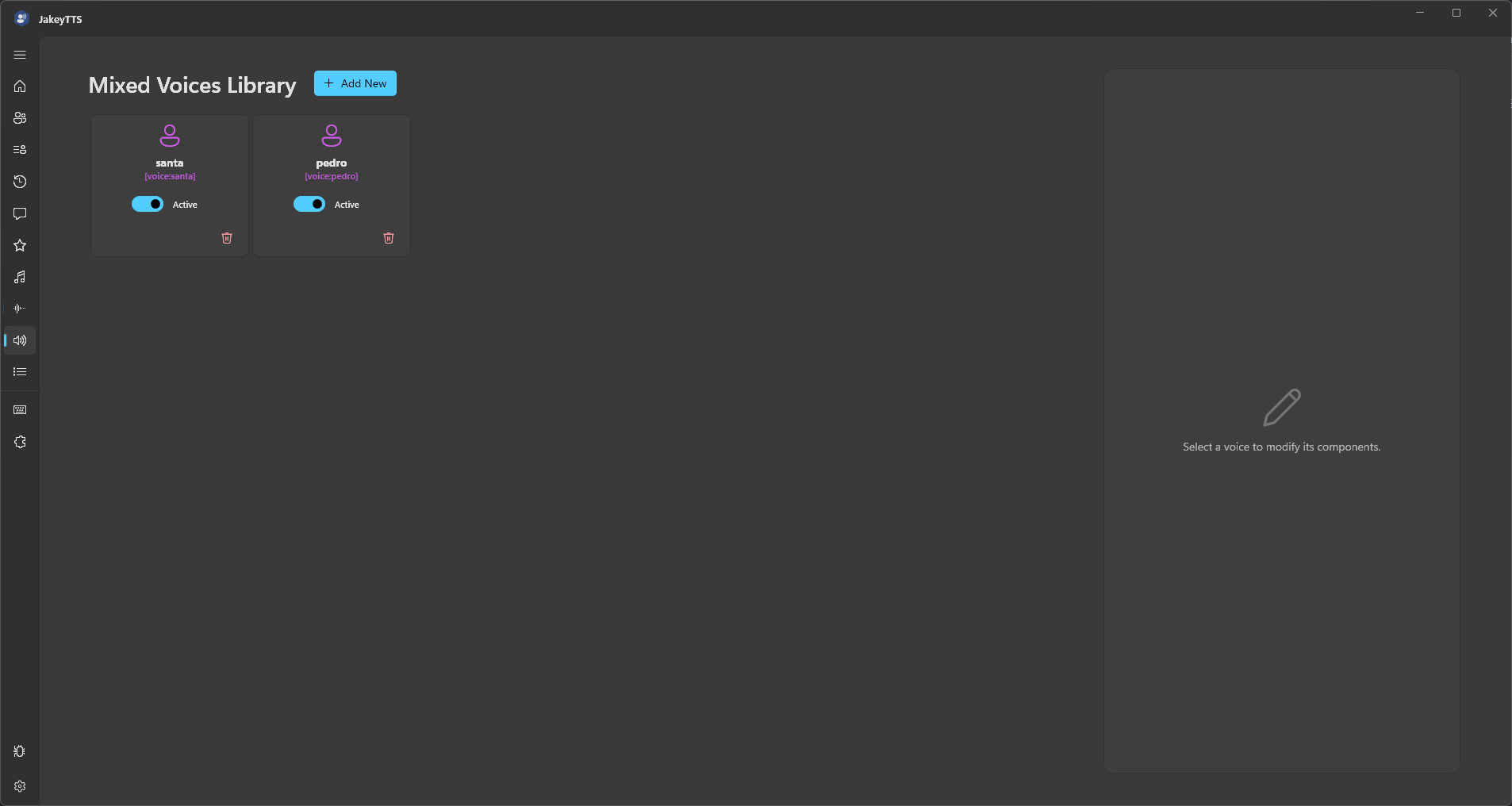 (The Mixed Voices Library interface displaying your active custom hybrid profiles.)
Key Features
- Up to 10 Voices: A single Mixed Voice profile can blend up to 10 different voice components.
- Cross-Language Mixing: Blend voices from different language models (e.g., American English, British English, Spanish, French, Japanese) in the same mix to create custom accents or bilingual hybrid speech.
- Proportional Audio Volume: The engine automatically balances output volume during voice generation to prevent clipping or volume drops, regardless of how many voices are mixed.
2. Interactive Weight Normalization
To make voice designing seamless, the Mix Editor features automatic weight normalization.
When you adjust the influence slider of one component:
- The editor locks your active slider to the value you set.
- The remaining voice weights dynamically scale up or down so that the total sum of all influences stays exactly at 100% (1.0).
- This ensures that no individual voice dominates the overall balance unless explicitly intended, and it prevents the cumulative signal from exceeding the master output range.
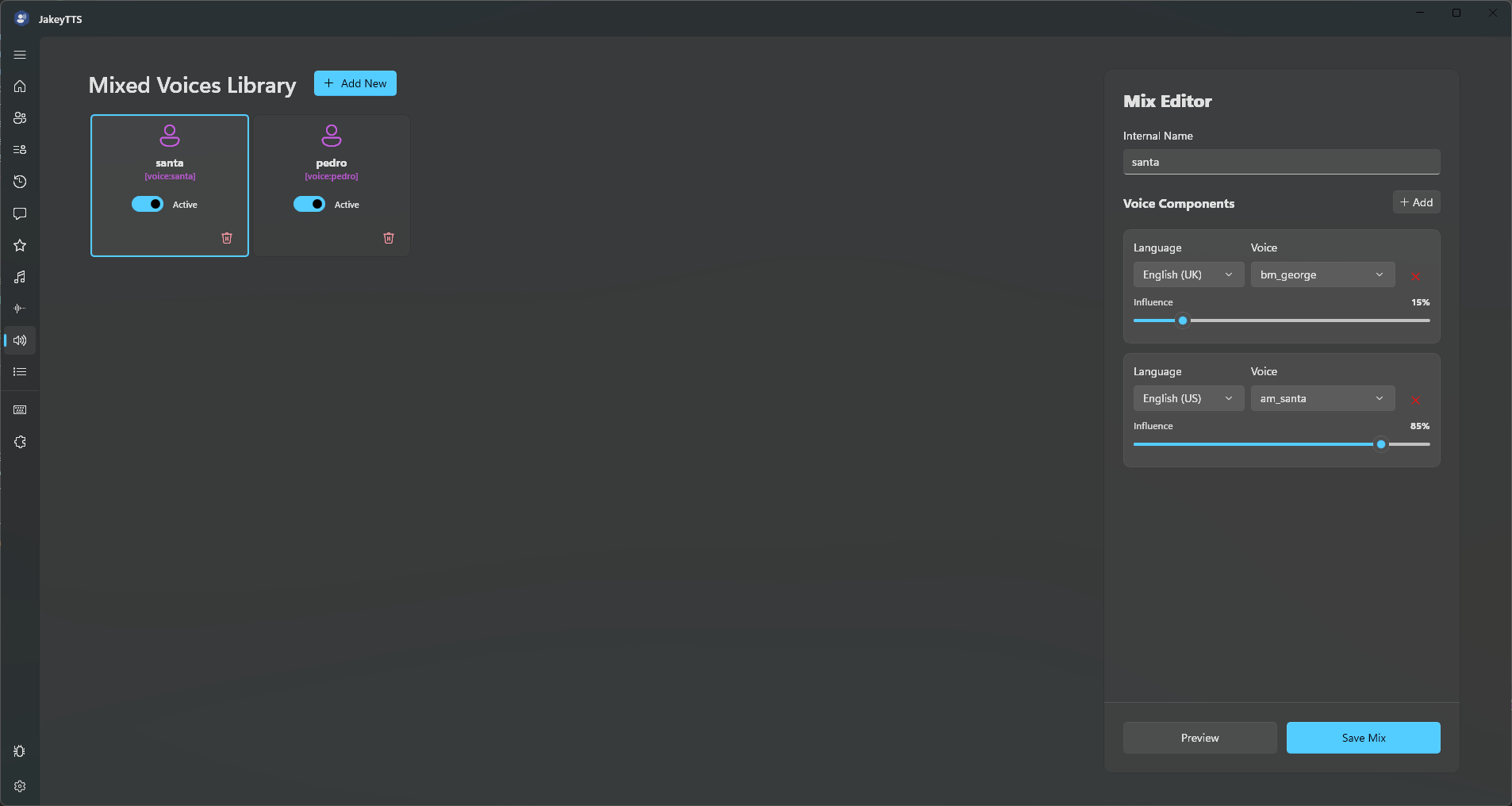 (Designing a new hybrid voice with normalized influence sliders.)
3. Mixing Across Languages
By combining voice models across different languages, you can create unique inflections, accents, and pronunciation styles.
For example, mixing af_bella (American English) with es_bella (Spanish) or jf_alpha (Japanese) gives you a hybrid voice that can speak multiple languages with a beautifully blended accent.
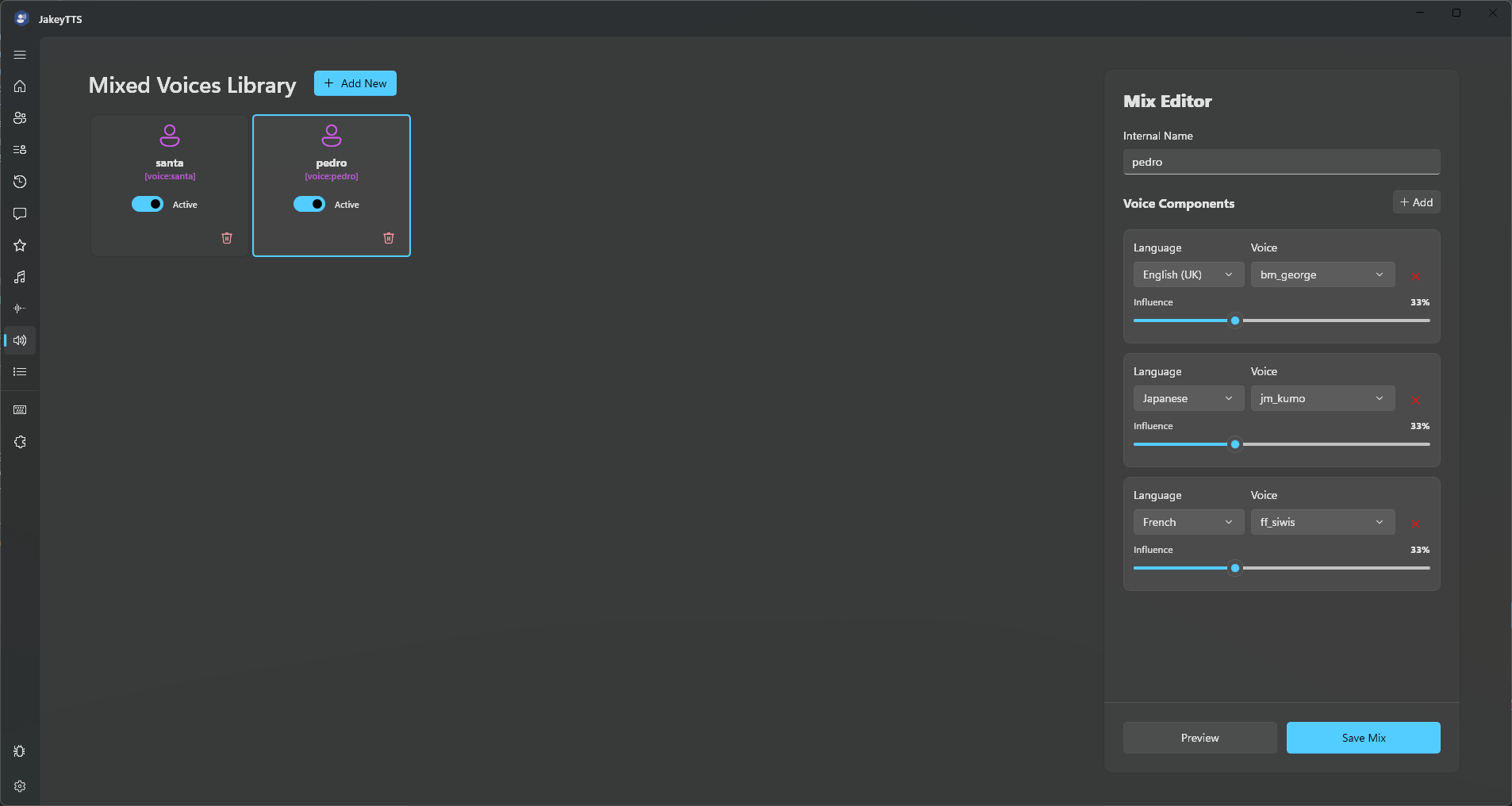 (A multi-language component list blending American English, British English, and Japanese.)
4. Selecting Mixed Voices as Your General TTS Voice
Once you have saved a Mixed Voice, you can set it as your primary stream voice directly from the TTS Settings dashboard.
How to Enable Custom Mixes
- Navigate to TTS Settings in the left sidebar.
- Under the Language selector, scroll down and select Custom.
- The Voice selector will automatically load all your active Mixed Voices.
- Select your custom mix (e.g.
Hybrid_1) and is ready to use.
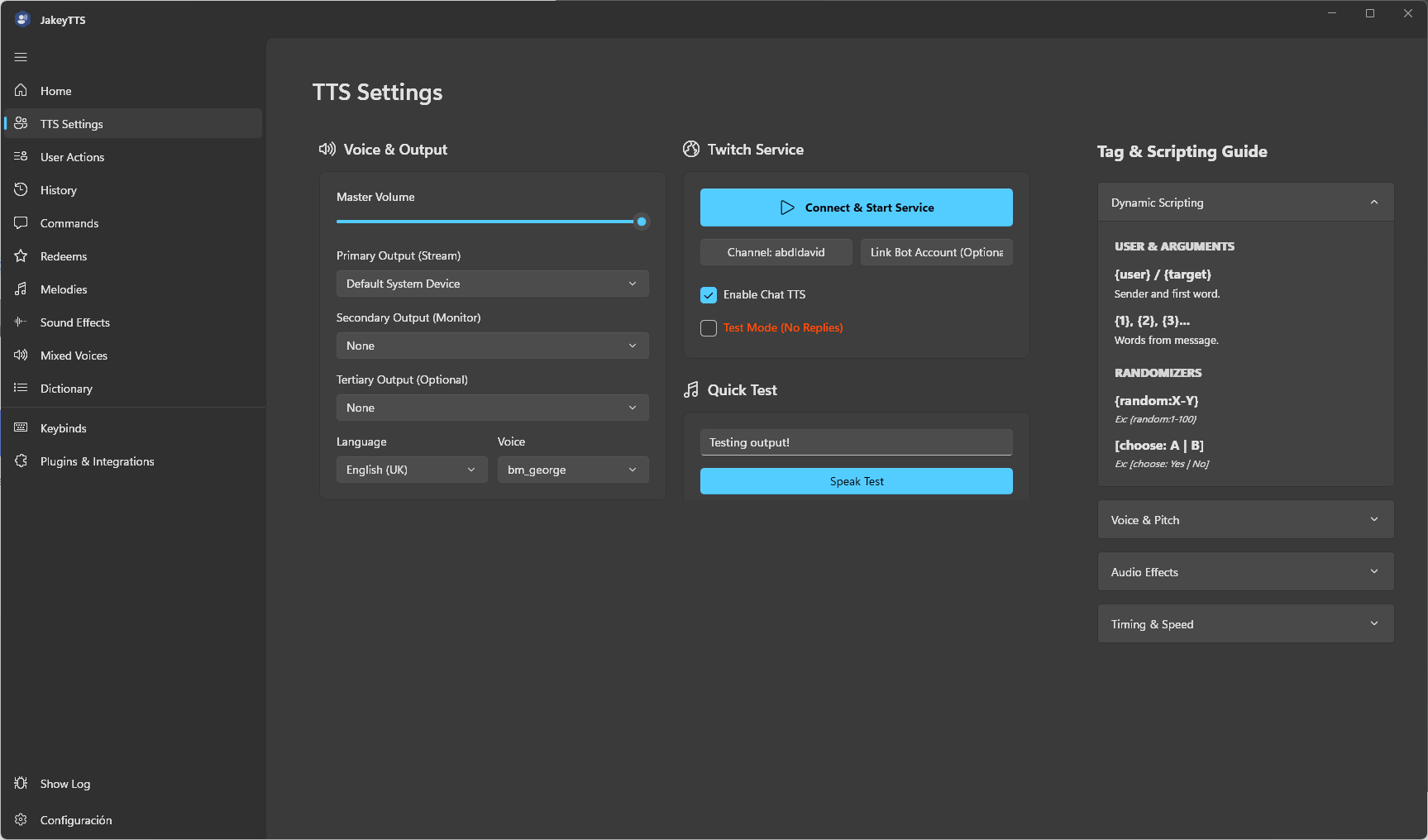 (Selecting a custom Mixed Voice in the general TTS Settings panel.)
Inline Tag Usage
You can also trigger your custom mixed voices dynamically inside Twitch redeems, custom commands, or chat messages by using inline tags:
[mix:VoiceName]or[voice:VoiceName]
For example:
"[mix:Hybrid_1] Hello everyone! [normal] Back to normal voice."
5. Storage & Portability
All mixed voice configurations are saved directly inside the primary client configuration file located at AppData/Local/JakeyTTS/config.json. If you export your configuration, your custom voice profiles will travel with you to any new installation.