
User Actions
The User Event Actions workspace allows you to map customized, dynamic text-to-speech responses to real-time Twitch channel events. Using these controls, you can greet resubscribers, celebrate bit milestones, and cheer goal achievements automatically.
To access these settings, select the User Actions tab from the left sidebar of the JakeyTTS client.
1. Bits (Cheer) Alerts
The Bits Configuration section allows you to define TTS narration messages when viewers cheer bits in your chat.
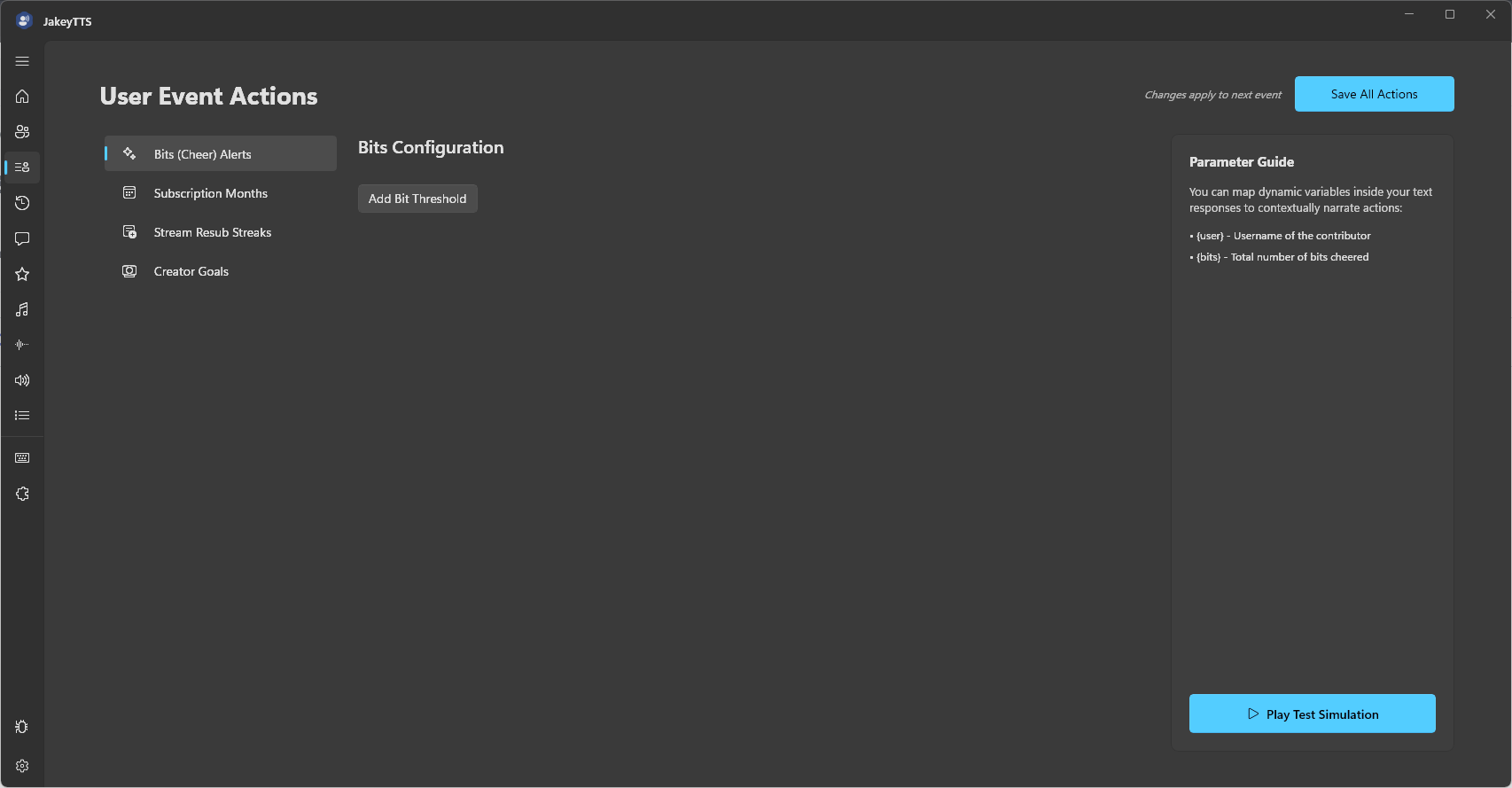 (Bits Configuration workspace showing parameter guides and bit threshold settings.)
How to Configure
- Click the Add Bit Threshold button to create a new trigger row.
- Specify the minimum bits threshold.
- Write your custom response template in the input field.
Parameter Guide
{user}: Evaluates to the name of the contributor.{bits}: Evaluates to the total number of bits cheered.
2. Subscription Months
Track and reward long-term supporters. The Subscriptions Configuration tab lets you customize voice alerts based on a subscriber’s cumulative months.
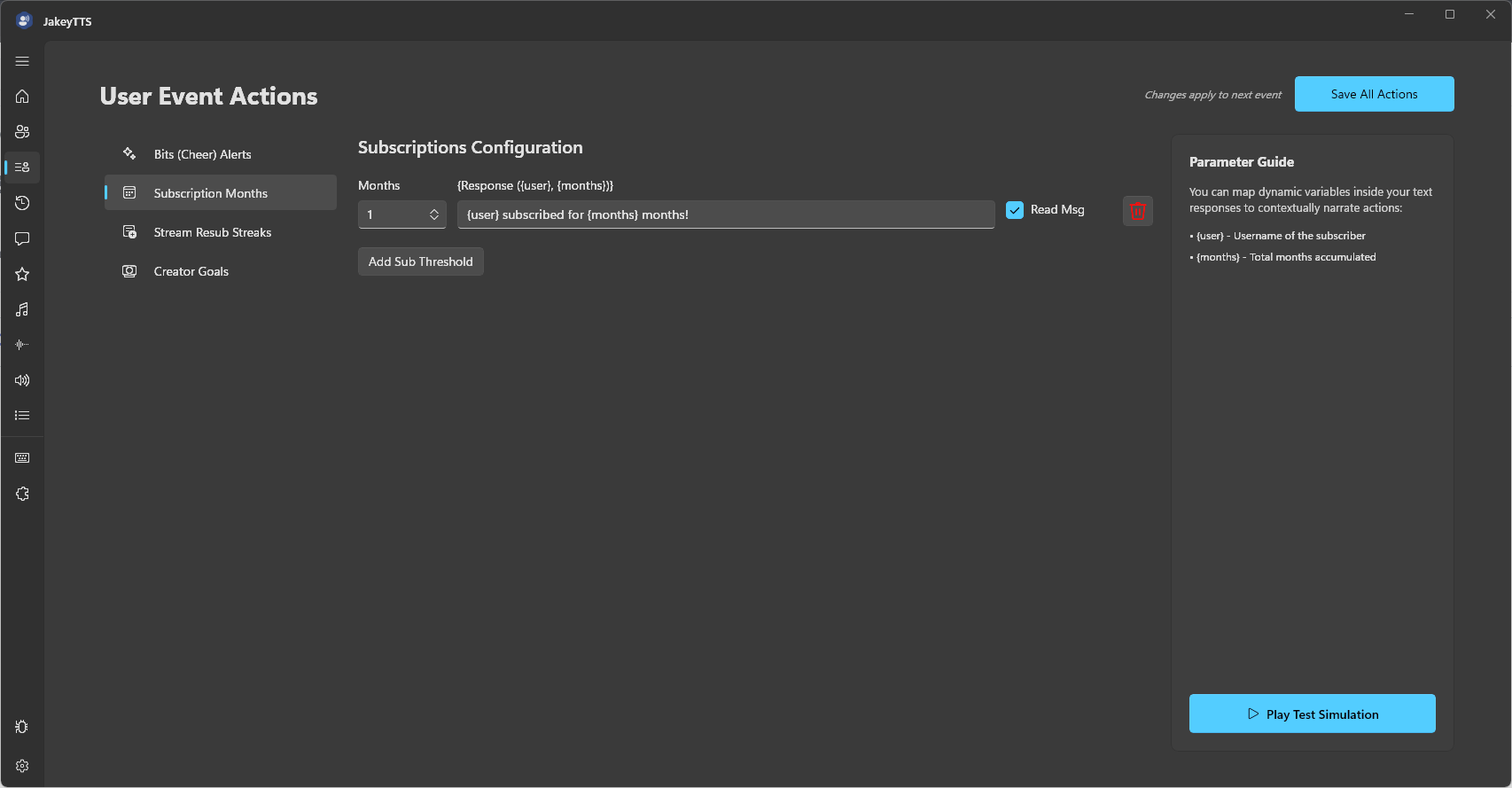 (Subscriptions Configuration panel with cumulative months triggers and read message options.)
Configuration Options
- Months Dropdown: Set the exact cumulative subscription count that triggers this response.
- Response Input: Customize the text template (e.g.,
{user} subscribed for {months} months!). - Read Msg Checkbox: When checked, the system will read the user’s custom resubscription chat message out loud immediately after the notification template.
- Delete (Trash Icon): Instantly remove the threshold rule.
Parameter Guide
{user}: Evaluates to the name of the subscriber.{months}: Evaluates to the total months accumulated.
3. Stream Resub Streaks
Celebrate consecutive months! Set up separate, custom triggers specifically for consecutive resubscription milestones rather than total cumulative months.
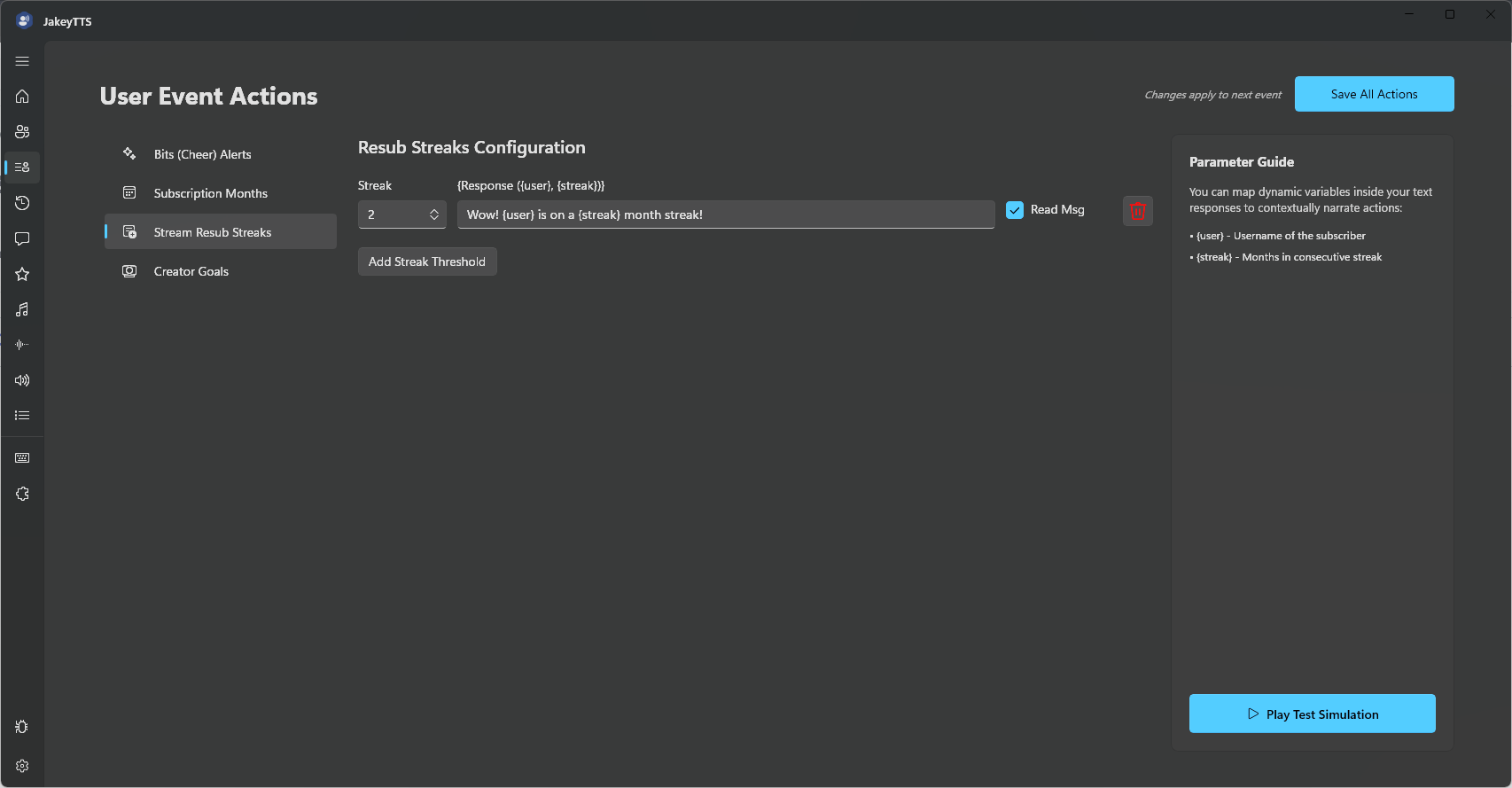 (Resub Streaks Configuration panel defining consecutive month milestone triggers.)
Configuration Options
- Streak Dropdown: Set the consecutive month count (e.g., 2, 3, etc.) that triggers this response.
- Response Input: Customize the alert text (e.g.,
Wow! {user} is on a {streak} month streak!). - Read Msg Checkbox: Choose whether to read the user’s custom resub message aloud.
Parameter Guide
{user}: Evaluates to the name of the subscriber.{streak}: Evaluates to the consecutive months in the current streak.
4. Creator Goals
Acknowledge goals configured directly inside Twitch. The Twitch Creator Goals section triggers specific narrations when goal progress milestones are achieved.
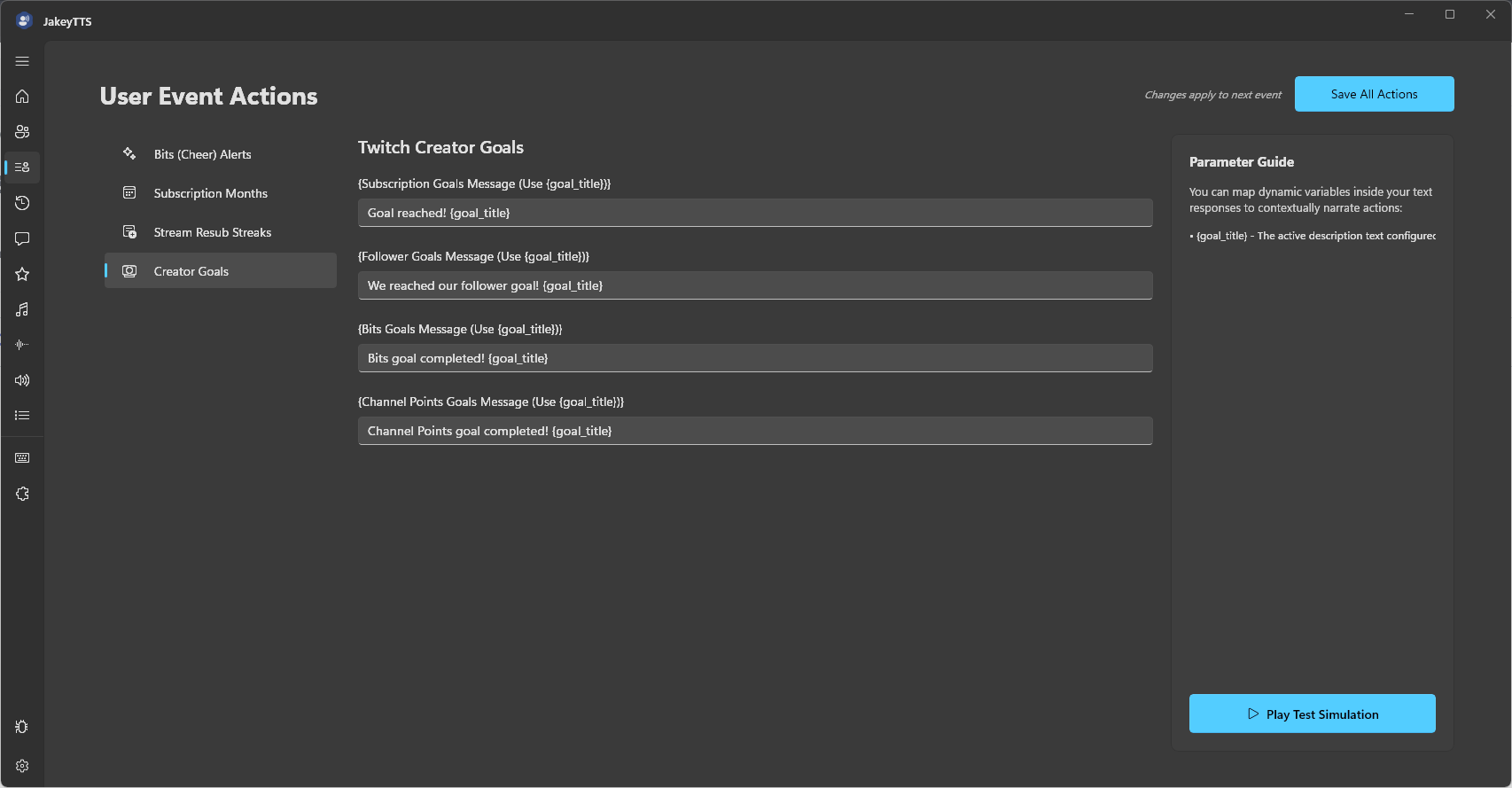 (Creator Goals Configuration setting up alerts for subscriptions, followers, bits, and channel points.)
Trigger Categories
You can write custom messages for four different categories of goals:
- Subscription Goals Message: Triggers when a sub goal is hit.
- Follower Goals Message: Triggers when a follower goal is hit.
- Bits Goals Message: Triggers when a bits cheer goal is hit.
- Channel Points Goals Message: Triggers when a channel points goal is hit.
Parameter Guide
{goal_title}: Evaluates to the active description text configured on the Twitch dashboard for the goal.
5. Control Buttons
- Save All Actions (Top Right): Saves your updated triggers and templates to the local JakeyTTS server configuration database.
- Play Test Simulation (Bottom Right): Simulates a mock event for your selected event category, allowing you to preview and hear the TTS output locally before going live.